
Contents
Guides
Talk to your crew on WhatsApp
What you'll do: pair WhatsApp once with a QR code, then message your crew like a colleague and approve work from your phone.
WhatsApp is the same crew as everywhere else — it knows your goals, your rules, and your approvals. Pairing connects one phone per workspace user, and stays connected until you remove it.
Steps
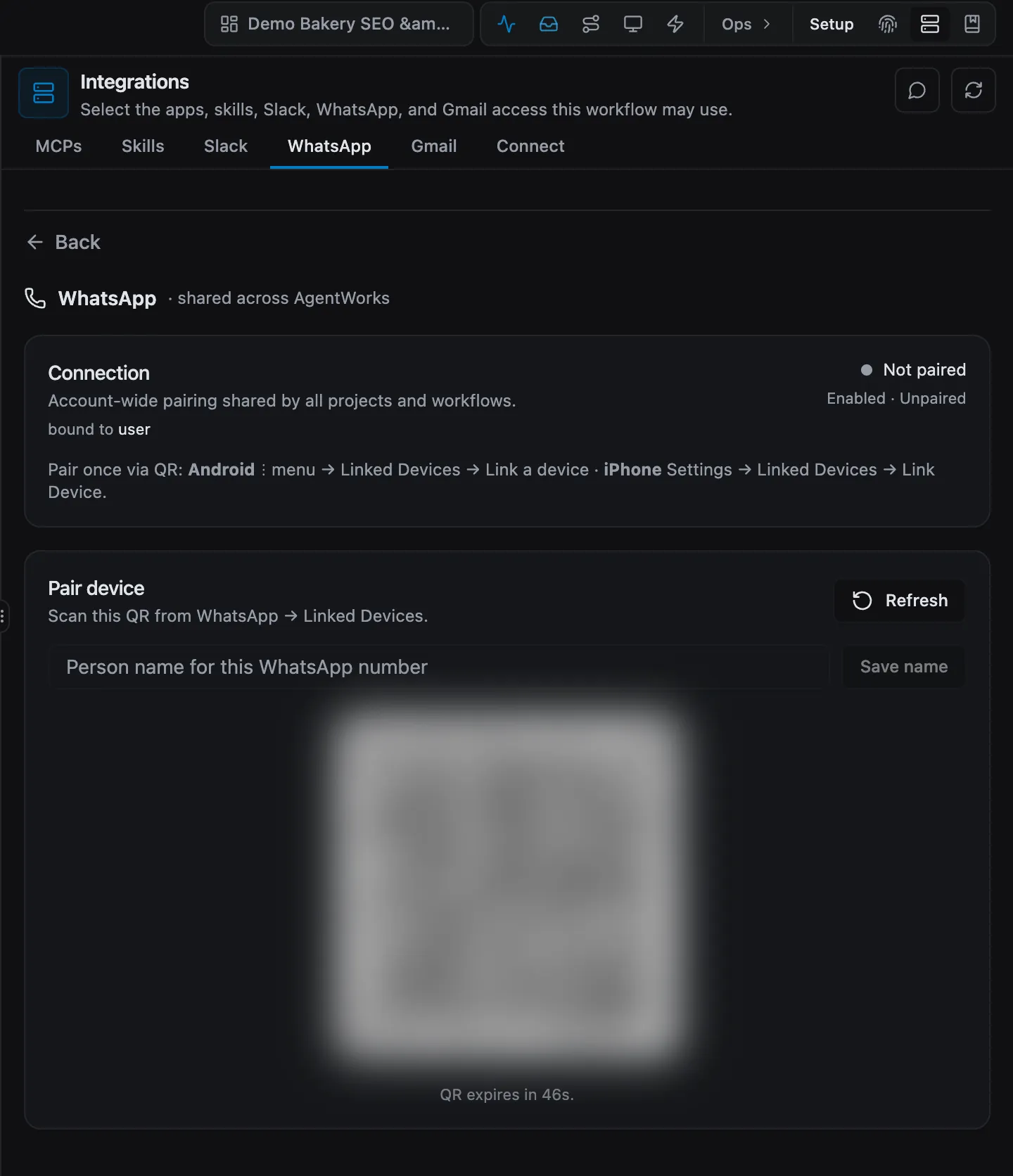
- Pair once. Open the workflow's Integrations → WhatsApp tab and choose Open. A QR code appears — scan it with the WhatsApp app on your phone, the same way you pair WhatsApp Web. If pairing ever lapses, refresh and scan a fresh code.
- Ask for status. Message the crew number in plain words: "Where are we on the Acme invoice?" or "What did you finish today?" You get a short answer with the evidence behind it.
- Approve from chat. When the crew needs a decision, it messages you with the question and the context. Reply
approveto let it continue, or describe what to do differently — your reply goes straight back into the job. - Hand a job back when you want it. Ask the crew to pause and summarize — "pause this and give me a handover summary" — and it stops, writes up where things stand, and waits. Nothing continues without you.
What happens next
WhatsApp becomes your pocket view of every goal: progress notes arrive as jobs complete, and approvals wait for a one-word reply. For longer work — reviewing a plan, reading a full report — the message points you to the app, where everything is laid out.
FAQs
Which number do I message? The number you paired during setup. It belongs to your workspace, so everyone you add to the workspace reaches the same crew through it.
Does it read my personal chats? No. It only sees the conversation with the paired number — your other chats are never visible to it.
Can it send messages on my behalf? Only with your approval at the default level. Outward-facing sends always ask first; you raise that limit per goal when you trust it. See Approvals and autonomy.
What if I lose my phone? Remove the session in Integrations → WhatsApp. The crew keeps your goals and history; pair the new phone with a fresh QR code and carry on.
Need help? Book a call and we'll pair WhatsApp with you.